Linux Booting Process
Hello Readers, it’s been almost a month since I’ve started using Linux as my primary OS and I’ve learnt few things which I’ll add in this blog and will try to keep it short.
I hope it’ll be helpful!
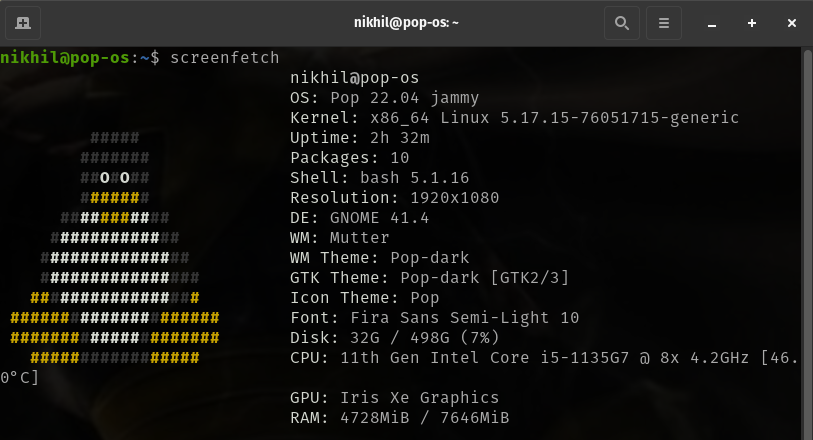
So, first of all for those who don’t know what is Linux here’s a brief explanation. Linux is an open source operating system (OS). An operating system is the software that directly manages a system’s hardware and resources, like CPU, memory, and storage The OS sits between applications and hardware and makes the connections between all of your software and the physical resources that do the work. There are various Linux distributions.
To be specific I’m using Pop!_OS as my Linux distro.
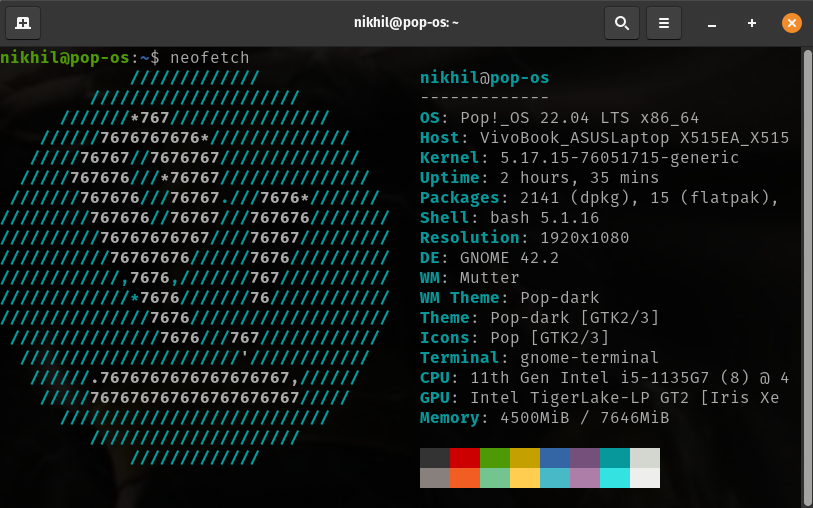
So, in this blog I’ll be talking about the booting process in Linux.
From pressing the power button till the login prompt, have you ever wondered what happens behind the scenes? Let’s take a look..
There are basically 6 high-level stages of the Linux Boot Process which as follows:
1. BIOS (Basic Input/Output System)
2. MBR (Master Boot Record)
3. GRUB (Grand Unified Bootloader)
4. KERNEL
5. INIT
6. RUNLEVEL
1. BIOS: It performs System integrity checks which means it searches, loads and executes the Boot loader Program. The BIOS gives the control to the Boot loader program once it is detected and loaded into the memory.
2. MBR: It loads and executes the GRUB Boot loader. It is located in the first sector of the bootable disk, usually /dev/hda or /dev/sda. It has three components- Primary boot loader info, Partition table info, MBR validation check. It contains information about GRUB.
3. GRUB: It loads and executes Kernel. If you have multiple Kernel images then you can choose which one to be executed, if nothing is entered it loads the default kernel image as specified in the GRUB configuration file.
4. KERNEL: The Kernel is the main component of the Linux OS. It is the main layer between OS and hardware.
5. INIT: It decides the Run level, Run level decides which init programs will be loaded of start up. In simple words the role of init is to create processes from script stored in the file.
6. RUNLEVEL: System executes the programs depending on the current Run Level. RUN files are often used to distribute device drivers and software among Linux users. We can execute RUN files in the terminal.
So, these are the 6 levels of the booting process in Linux OS.
I hope it was helpful.
Here are my socials: Linkedln Instagram
Thankyou.